
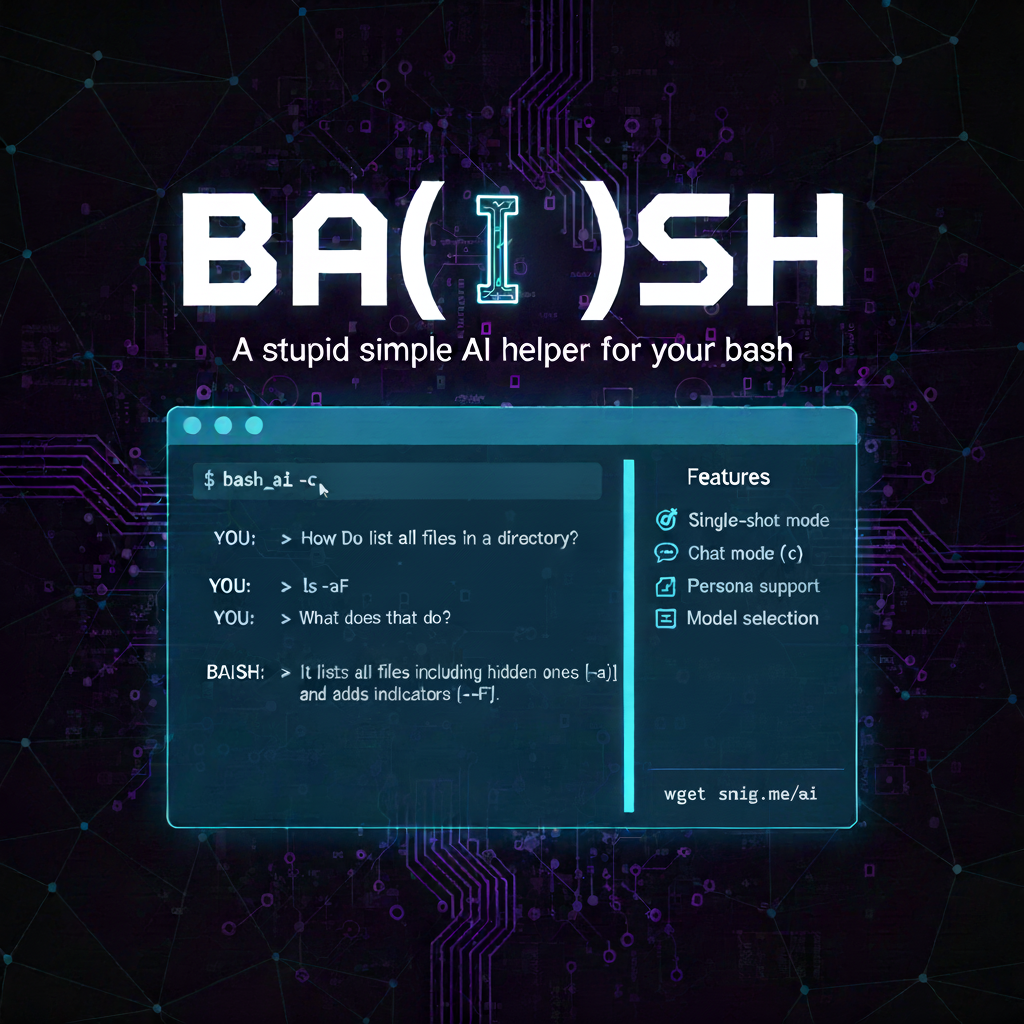
BA(I)SH - A stupid simple AI helper for your bash
Supercharge Your Bash Terminal with BA(I)SH: The Stupidly Simple AI Sidekick
Hey there, fellow terminal tinkerers! If you’ve ever found yourself knee-deep in a bash session, wrestling with cryptic logs, debugging hairy scripts, or just needing a quick brain dump on some esoteric command-line conundrum, I’ve got a treat for you. Enter BA(I)SH (that’s “Bash AI” for the uninitiated), a delightfully no-frills command-line tool that turns your favorite AI models into a seamless bash buddy. Created by schniggie on GitHub, this script is like having Grok or GPT whispering sweet nothings—er, solutions—right in your shell.
In a world bloated with over-engineered AI wrappers, BA(I)SH keeps it pure: single-shot queries for quick hits, interactive chat mode for deep dives, and zero fluff. It’s open-source, bash-native, and ready to slot into your workflow like it was born there. Let’s dive in, shall we?
Why BA(I)SH? A Quick Feature Rundown
BA(I)SH isn’t trying to reinvent the wheel—it’s just making your wheel spin faster with AI smarts. Here’s what makes it tick:
- Single-shot mode: Fire off a one-liner query via args, pipes, or files. Perfect for “What’s this error mean?” moments.
- Chat mode (
-c): Go full conversation, with history preserved across turns. No more repeating context like a broken record. - Persona magic: Slap on a custom system prompt via CLI (
-p) or file (-P) to role-play your AI as a dev guru, poet, or philosopher. - Model flexibility: Swap in your fave like
gpt-4oorclaude-3-opuswith-m. - Verbose vibes (
-v): Peek under the hood at full JSON responses if you’re feeling nosy.
Installation? Laughably easy. Clone the repo, chmod +x ai, and symlink it to your PATH. Boom—global access.
Basic usage is a breeze:
# Quick query
./ai "Explain quantum entanglement in one sentence"

# Pipe some input
echo "Debug this regex: sed -n '/error/p' logs.txt" | ./ai

# Or chat it up
./ai -c
(Pro tip: In chat mode, quit or Ctrl+D to bail, and watch the context build like a loyal sidekick.)
For the full deets, check the README. Now, let’s get to the fun part: three killer use cases that show how BA(I)SH turns mundane CLI drudgery into “aha!” magic.
Use Case 1: HTTP Debugging – Turn Requests into Exploit PoCs Like a Pro Pentester
Picture this: You’re elbow-deep in a web app pentest, Burp Suite spewing HTTP requests and responses like confetti. You’ve got a funky 200 OK with a whiff of SQL injection in the POST body, but turning that into a working PoC exploit feels like herding cats. Enter BA(I)SH as your instant exploit dev whisperer.
Dump the raw req/res into a chat session, persona-fy it as a battle-hardened security researcher, and let it craft payloads, explain vectors, and even simulate the exploit step-by-step. No more tabbing between docs and your terminal—AI does the heavy lifting right there.
Here’s how:
# Save your Burp export to a file (e.g., suspect_req.txt)
# Then fire up a chat with a pentest persona
cat suspect_req.txt | ./ai -c -p "You are a elite penetration tester specializing in web exploits. Analyze this HTTP request/response for vulnerabilities, craft SQLi PoCs, and guide me through exploitation. Be precise, ethical, and step-by-step." -m gpt-4o
In the chat:
- You: Paste the req (e.g.,
POST /login HTTP/1.1 ... body: username=admin' OR 1=1--&password=foo). - AI: “Whoa, classic tautology-based SQLi in the username param. Let’s confirm with a time-based blind variant:
username=admin' AND (SELECT SLEEP(5))--. Pipe that back into curl and time it. If it lags, boom—vulnerable. Want a full PoC script?”
It preserved the full req/res context across turns, iteratively refining payloads (e.g., dumping tables with UNION SELECT). In under 5 minutes, you’ve got a working exploit chain—ethical hacking, turbocharged. (Disclaimer: Use responsibly, folks—only on targets you own.)
Use Case 2: Log Analysis on Steroids – Tame Noisy Servers with AI-Powered Insights
Server logs exploding? That 404 flood or sneaky auth failures piling up, and grep’s letting you down? BA(I)SH shines here as your log whisperer. Pipe in chunks of logs, set a “sysadmin sage” persona, and watch it spot patterns, suggest fixes, and even draft remediation scripts—all while keeping the convo flowing.
Why cool? Traditional tools like awk or jq are rigid; AI groks the why behind the noise, correlating events across lines.
Try this:
# Tail your nginx logs and pipe 'em in
tail -f /var/log/nginx/access.log | grep " 500 " | ./ai -c -p "You are a grizzled sysadmin with 15+ years debugging web servers. Parse these error logs, identify root causes (e.g., DB timeouts, misconfigs), prioritize fixes, and output bash snippets to automate." -v
Chat flow:
- You: “What’s causing these 500s around 14:00?”
- AI (verbose mode shows the raw JSON for trust): “Cluster of DB connection pool exhaustions—see the ‘too many connections’ in upstream responses. Quick fix: Bump
max_connectionsin my.cnf to 200. Here’s a one-liner to restart and monitor:sudo sed -i 's/max_connections=150/max_connections=200/' /etc/mysql/my.cnf && sudo systemctl restart mysql && watch 'mysql -e "SHOW STATUS LIKE \"Threads_connected\";"'.
History magic means follow-ups like “Now simulate a load test?” build on prior analysis. Result? Downtime debugged faster than brewing coffee.
Use Case 3: On-the-Fly Script Generation – Bash Wizardry from Vague Ideas
Ever stare at a problem like “Automate this deploy but only if tests pass” and blank on the syntax? BA(I)SH is your instant script sorcerer. Single-shot for prototypes, chat for iterations—feed it your half-baked idea, a “senior dev” persona, and out pops production-ready bash.
This one’s a game-changer for DevOps folks scripting CI/CD tweaks or ad-hoc automations without firing up an IDE.
Example in action:
# Brain-dump a vague need
echo "Write a bash script to backup my /home dir to S3, but skip .git folders, run daily via cron, and email on failure. Use AWS CLI." | ./ai -p "You are a DevOps engineer who writes idempotent, error-handling bash scripts. Output only the code with comments, no fluff." -m claude-3-opus
Output (AI-generated, of course):
#!/bin/bash
# Daily Home Backup to S3 - Idempotent with error handling

BACKUP_DIR="/home"
S3_BUCKET="s3://my-backups"
DATE=$(date +%Y%m%d)
EXCLUDE=".git"

# Check AWS CLI
if ! command -v aws &> /dev/null; then
    echo "AWS CLI not found. Install it first." >&2
    exit 1
fi

# Tar with exclusions
tar -czf - $(find "$BACKUP_DIR" -type d -name "$EXCLUDE" -prune -o -print) | aws s3 cp - "$S3_BUCKET/home-backup-$DATE.tar.gz"

if [ $? -eq 0 ]; then
    echo "Backup to $S3_BUCKET/home-backup-$DATE.tar.gz succeeded." | mail -s "Backup OK" admin@domain.com
else
    echo "Backup failed!" | mail -s "Backup Alert" admin@domain.com
    exit 1
fi
Chat mode? Iterate: “Add encryption?” and it refs the prior script, outputting diffs. Pure productivity poetry.
Wrapping Up: Your Bash Just Got a Brain Boost
BA(I)SH proves you don’t need a PhD in prompt engineering to harness AI in the terminal—it’s bash-simple, extensible, and stupidly effective. Whether you’re pentesting payloads, dissecting logs, or scripting sorcery, this tool glues AI right where you live: the command line.
Grab it from GitHub, tweak a persona file for your niche (teacher? Poet? Existential dread consultant?), and start chatting. What’s your first query? Drop it in the comments—maybe we’ll co-prompt something wild.
Happy shelling (with a side of smarts)! 💻🤖
Posted on October 5, 2025